Production management application
Where is the order? You see it.
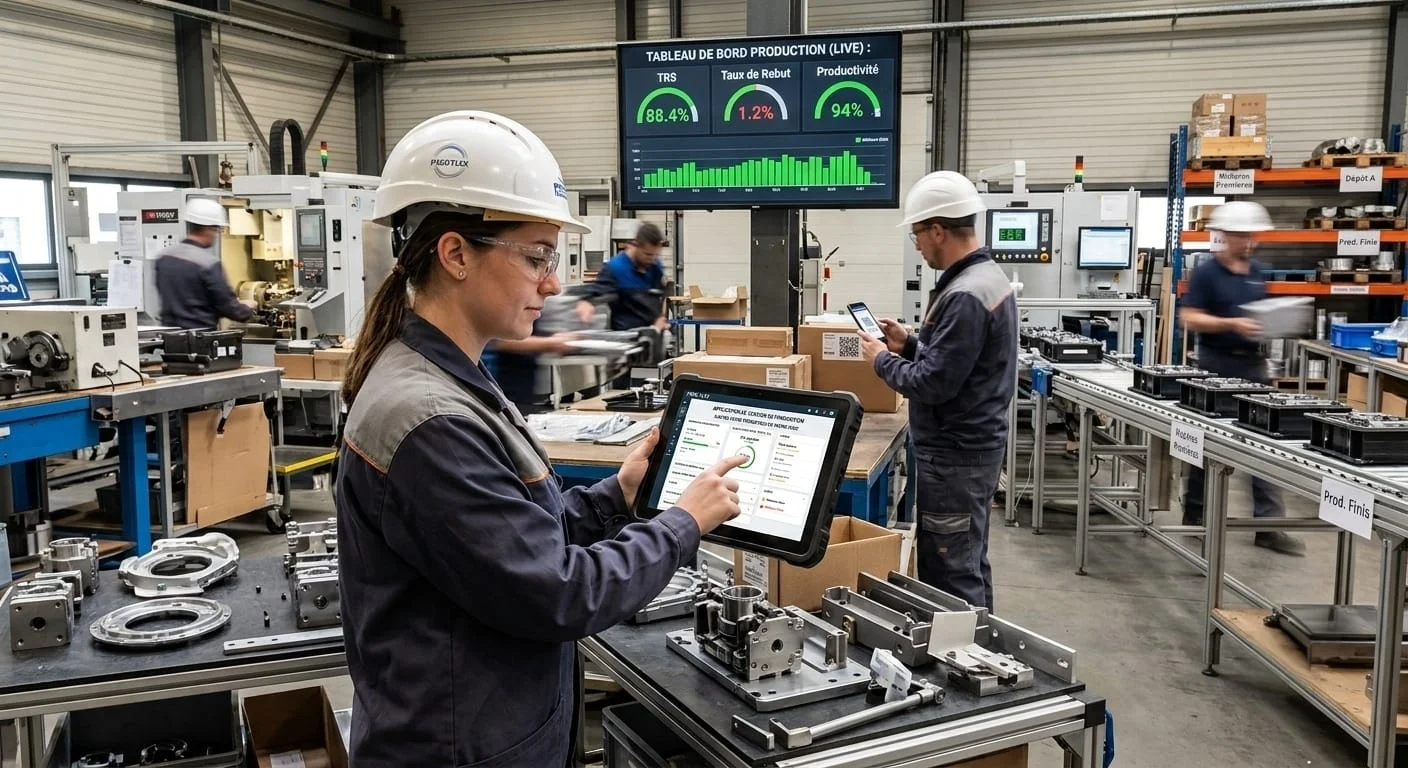
From signed quote to truck loading, each order moves station by station. Operators log on tablets, the engineering office prepares, the supervisor sees everything live.
- 01QuoteJP
- 02Drawing—
- 03Preparation—
- 04Tube laser cutting—
- 05Laser welding—
- 06Machining—
- 07Powder coating—
- 08Assembly—
- 09Packaging—
- 10Loading—
Three screens, three roles
Everyone sees what they need, nothing more.
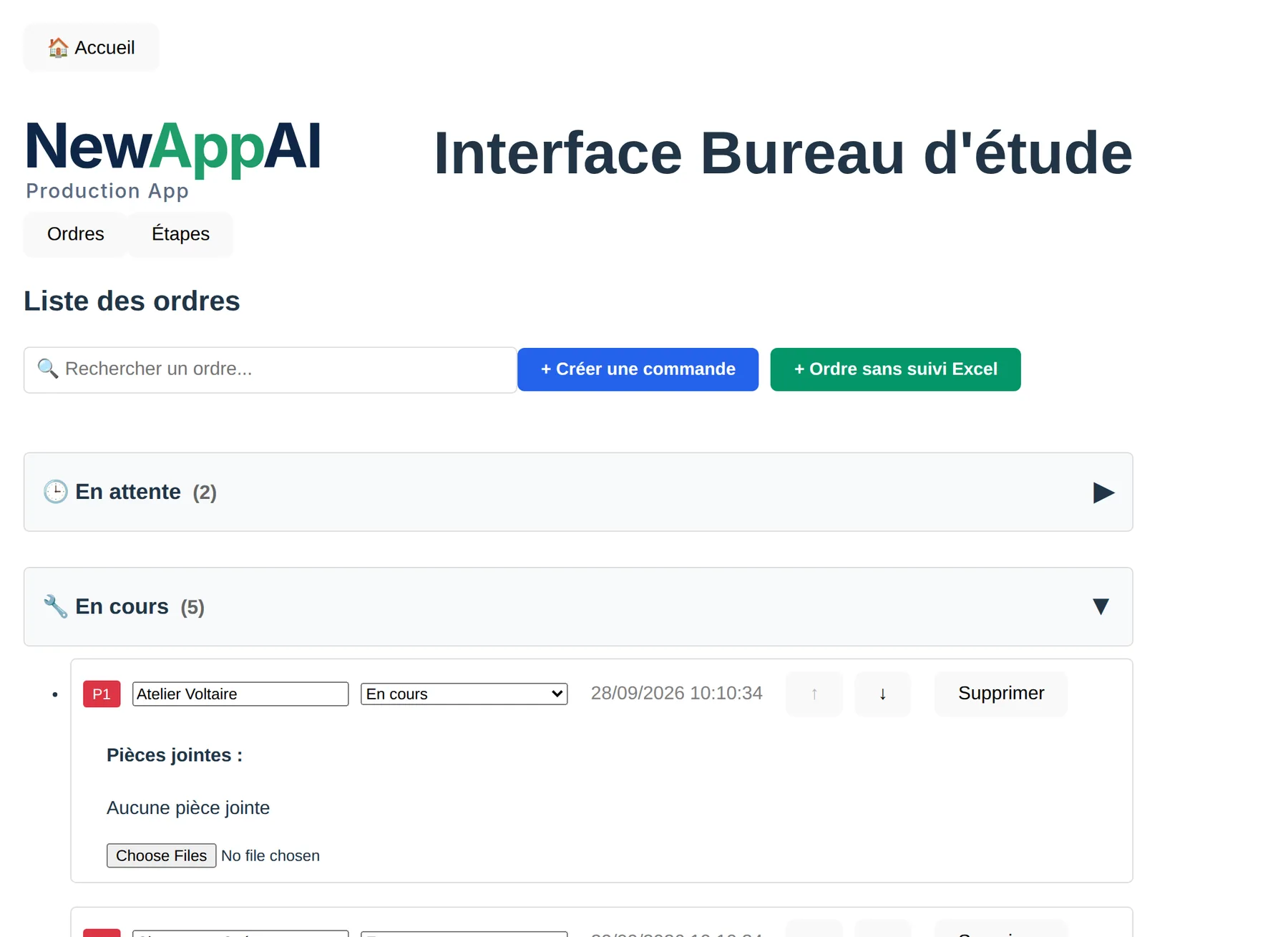
The office creates the order, attaches drawings, breaks the order into part types and chooses stations. Nothing starts before the quote is signed.
- Create an order, with or without Excel tracking
- Track quote sending and signature
- Define steps for each part type
- See workshop issues immediately
In video
The workshop, from office to welding.
Three journeys recorded on the demo version, with a fictional workshop.
What the application manages
Twelve things your workshop already does, on paper or in Excel.
A quote that locks
Until the quote is signed, production stations cannot start.
Part types and steps
One order, several parts: each type has its quantity, notes and own steps.
Team connected to station
The team lead logs in with operators. The office knows who is where.
Piece-by-piece progress
One tap on "Next piece" updates the order for everyone.
Breaks counted separately
Break time doesn't mix with work time.
One issue, one button
The operator describes the problem, the office sees it immediately. Resolution is noted.
Clear priorities
Rank orders P1, P2, P3. Stations see the work order.
Drawings at the station
Drawings and documents are attached to the order or step, and open where you work.
Live dashboard
Active orders, open issues, paused steps, unused stations.
Time and costs
Time spent per station, employee history, hourly cost per step.
Your stations, your rules
Add, rename or reorder stations. Reserve some for the engineer.
French and Portuguese
Everyone reads the application in their language, on tablet or computer.
Let's see your workshop.
Born in a metalworking workshop, used every day. Tell us your stations and steps, we'll show you the application tuned for you.